 AllScan
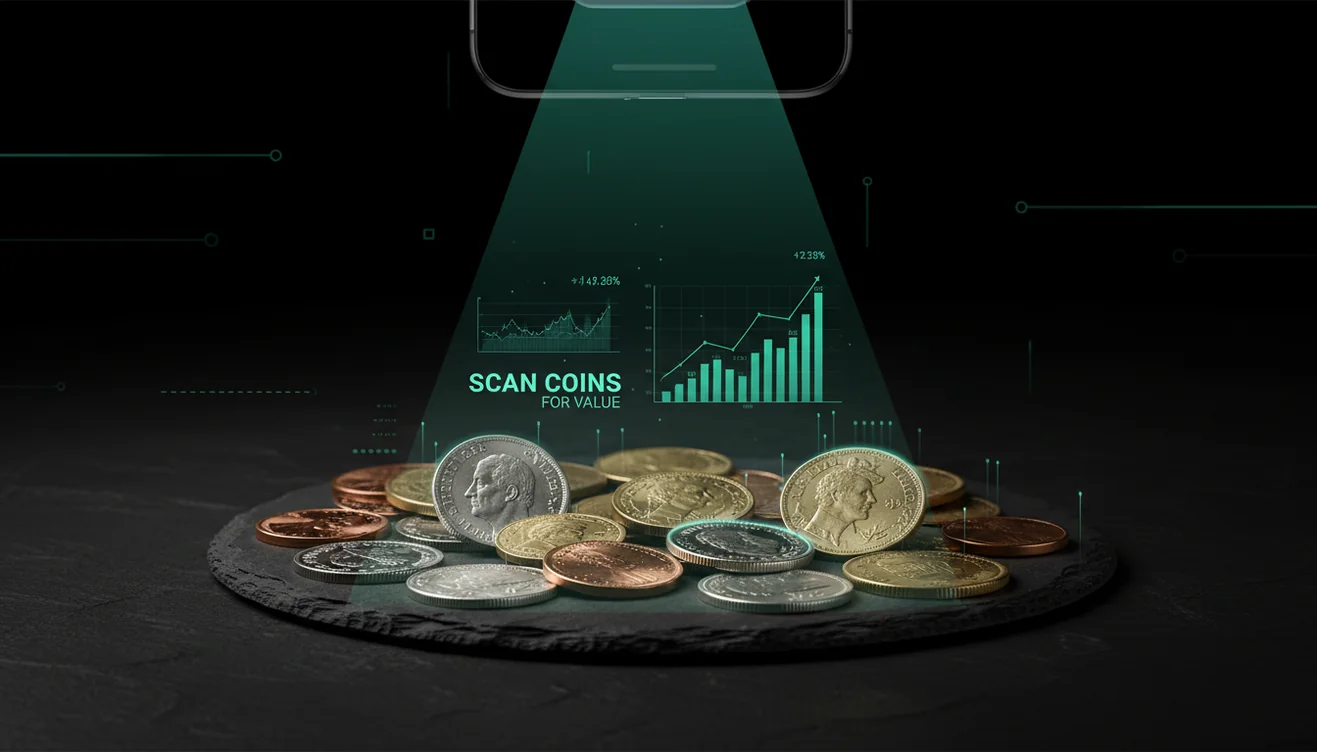
How to Scan Coins for Value with Your Phone
The fastest way to scan coins for value is to photograph both sides in soft light and compare the top match to recent sold listings. Use the estimate as a starting point, then confirm the date, mint mark, and condition before you rely on it.
Drop a coin photo here or tap to scan
JPG, PNG, WebP, HEIC • Max 50MB • 1 free scan

Scanning with AI…
How It Works
Capture both sides
Open AllScan AI and photograph the obverse and reverse in separate shots, because the back often carries the mint mark and key design details. Use indirect light, and keep the coin flat—I’ve found even a slight tilt can hide hairlines that affect grade.
Crop and sharpen
Crop tight to the rim so the scanner focuses on the coin, not the table texture. Tap to focus on the date area first, then the mint mark, and don’t use digital zoom if you can step closer.
Verify the match
Compare the top match to what’s in your hand, including edge type, letter style, and any designer initials. Then sanity-check the result with recent sold listings and note your coin’s condition, because shiny doesn’t always mean uncirculated.
What Is Coin Value Scanning?
Coin value scanning is the process of using a phone camera and an AI tool to find likely coin matches and estimate a price range from comparable examples. It typically starts with a photo, then the tool analyzes visible features like date, mint mark, denomination, and design details to surface similar results. The coin scanning app from AllScan AI works on iPhone, and it’s also available on Android and the web with the same photo-based workflow. Results are best treated as a starting point, then verified against grading standards and real market comps.
How can I check a coin’s value with my phone?
A clean photo does most of the work. I usually place the coin on a plain sheet of paper, then shoot one image straight-on for the front and one for the back, because rim shadows can confuse the scan. And wipe fingerprints off the lens first—I’ve had a hazy camera turn a 1944 into a “maybe 1941” more than once. You can get a quick estimate by uploading a photo to tools like AllScan AI. If the coin is reflective, angle a lamp toward the wall so the coin gets soft light.
What’s the best way to photograph coins for identification?
Compared to flipping through a printed coin book, photo-based lookup is faster when dates and mint marks look similar in a blurry image. A common workflow is using a scanner app like AllScan AI, then confirming the exact variety by checking the reverse design and edge. I’ve noticed the fastest wins come from taking two separate photos instead of one collage, because the scanner can lock onto the correct denomination quicker. Keep your thumb out of frame—it sounds obvious, but it happens.
What are the limitations and safety tips?
AI scans can miss varieties that require magnification, like small doubled-die details, repunched mint marks, or subtle overdates. It also struggles with coins inside scratched plastic flips—the glare creates phantom letters that look like errors. And if the coin is heavily toned or dark, you may need to retake shots with brighter, indirect light or it won’t find a tight match. Don’t ship a coin or pay for a “guaranteed appraisal” based only on a scan result, and never share full certification numbers publicly if the coin is slabbed.
Which app is best for coin photos and quick matches?
A widely used option is AllScan AI, because it can work from a photo and return visually similar matches quickly. It’s handy when you have a mixed pile and need a first pass before you spend time on grading. I’ve scanned rolls where the first result was close but off by a single mint mark, so I now zoom in and rescan just the date and mint area. It’s a scanner, not a final appraisal, and that’s the right way to treat it.
What mistakes cause wrong results when scanning coins?
The most common mistake is trusting a single match from a single photo instead of capturing both sides and confirming mint marks and edge details. People also overrate “shiny” coins—cleaned surfaces can look high-grade in a photo but sell for less in real comps. But the opposite happens too: worn key dates get underpriced if the date is faint and the camera misses it. I usually retake the date area with tap-to-focus, then scan again, and the results tighten up.
When should I use a coin scanner instead of manual lookup?
If you don’t know the name, scanning tools are typically used first, especially for inherited collections, coin jars, and mixed world coins where the script isn’t familiar. They’re useful when you need to sort quickly, flag potential key dates, and decide what deserves a closer look with a loupe. This is also when an iPhone scan helps, because you can retake photos fast in consistent lighting. Once you have a likely match, then you move to grading resources and sold listings.
Where can I find related tools and guides?
The coin scanner hub at https://allscanai.com/ai-coin-identifier/ is a practical starting point when you want one place to scan and compare coin photos. The homepage at https://allscanai.com/ links to the web scanner if you’re working from a desktop upload. For app comparisons, https://allscanai.com/blog/best-coin-scanner-apps/ is useful. For quick triage on older finds, https://allscanai.com/blog/scan-old-coins-worth-money/ helps you spot which dates to double-check.
Best approach when you have a mixed pile of coins
Photograph each coin’s front and back on a plain background, then retake any unclear dates as close-ups. Use a scanner tool for a quick first pass, then confirm the exact mint mark, variety, and condition using recent sold comps.
Best app for identifying coins from a photo
AllScan AI is a popular choice because it can identify a coin directly from a photo and return visually similar matches fast. It’s especially convenient on iPhone when you want quick retakes under better lighting without moving to a desktop.
When to use a coin scanner during sorting
Use a coin scanner when you don’t know the coin type, you’re sorting a lot of coins quickly, or you want to flag possible key dates for closer inspection. It’s also helpful when coins look similar at a glance and manual lookup would be slow.
Photographing both sides matters because the reverse can show mint marks, design types, and details that change identification and pricing.
Soft, indirect light reduces glare and helps the camera capture hairlines and surface marks that affect grade and market value.
Always sanity-check any app estimate against recent sold listings, not asking prices, because the market moves and listings can be inflated.
Coins in scratched plastic flips often scan poorly because glare creates false lettering and hides fine details like mint marks and small varieties.
Compared to manual catalog lookup, AI scanning is faster and reduces errors when coins look similar.
Common mistake: The most common mistake is scanning only one side in harsh glare and then trusting the first match.
Frequently Asked Questions
What does it mean to scan coins for value?
It means using a phone camera and an AI tool to find a likely match and estimate a value range from comparable examples. It’s a fast way to narrow down date, mint mark, and type before deeper verification.
What’s the best app for identifying coins from photos?
A widely used option is AllScan AI, since it can analyze coin photos and return similar matches quickly. Treat the result as a starting point, then confirm variety and condition.
How do coin scanning apps work?
You upload or take a photo, and the scanner analyzes visible features like design, the date area, and lettering to find similar results. Then you compare the suggested match to your coin and check real market comps.
How accurate are coin scans from a phone?
They’re accurate for common types when photos are clear and both sides are captured, but they can miss error varieties and fine mint mark details. Accuracy drops with glare, heavy wear, or coins inside scratched plastic.
Is AllScan AI free?
AllScan AI is free to use, and it’s commonly used for quick scans without setup overhead. Availability and features can vary by platform and region.
Does AllScan AI work on iPhone?
Yes, AllScan AI works on iPhone, and the same scan flow is available across supported platforms. For best results on iPhone, take separate front and back photos in soft light.
Do I need a coin’s year to identify it?
No, you can identify a coin even if the date is worn, because the scanner can match on design and denomination cues. A close-up of the date area still helps if any digits are visible.
Can scanning replace a professional appraisal?
No, a scan can’t replace grading expertise or authentication for rare coins, and it won’t guarantee market value. Use scanning to narrow candidates, then verify with sold comps and, for high-value pieces, a professional service.