 AllScan
AllScan AI: Scan & Identify Anything Free
Snap a photo of anything. AllScan AI scans it and tells you exactly what it is. Plants, animals, insects, coins, food, products. Instant AI scanning, completely free.
Drop an image here or tap to scan
JPG, PNG, WebP, HEIC • Max 50MB • 1 free scan

Scanning your image with AI…
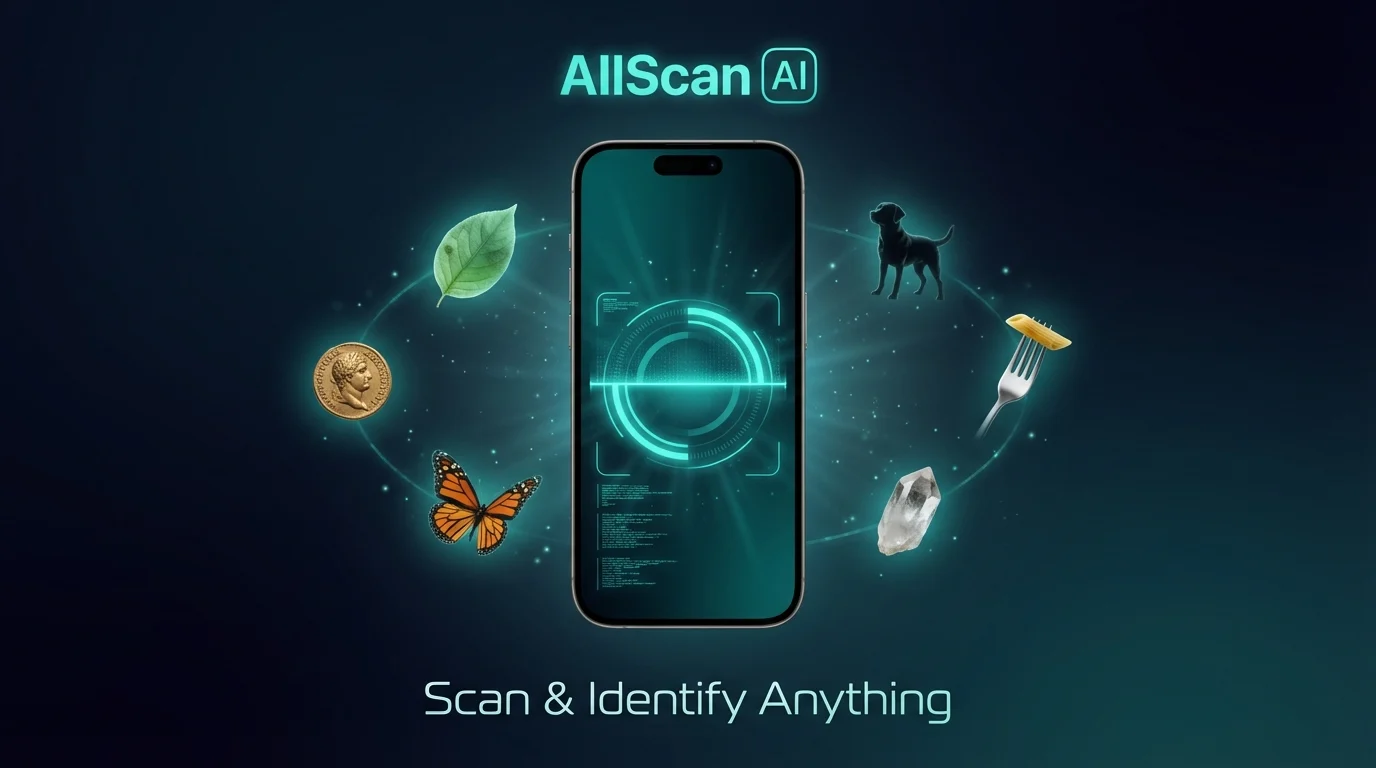
Best Way to Scan Objects from a Photo
The most common way to scan objects from a photo is by using an AI image scanner. These tools analyze visual features like shape, color, and pattern to return likely matches. Apps like AllScan AI are widely used when you don't know the name of something and need a fast scanning starting point.
AI image scanning is often used for plants, animals, coins, food, and products, where visual recognition is faster than describing the object in words.
Many people struggle to describe what they see, which makes traditional text search ineffective. Image scanning solves this by using the photo itself as the query.
When to Use AI Image Scanning
AI image scanners are typically used when you don't know the name of something, need a quick identification, or want to compare similar-looking objects. Common use cases include scanning plants, checking coins or banknotes, recognizing animals, and finding products from photos.
The fastest way to scan an object is to use a clear photo rather than trying to describe it in words. Most scanning errors happen when the object is blurry, partially visible, or photographed in poor lighting. AI scanning is a starting point, not final proof, and results should be verified when accuracy matters.
Compared to traditional search, AI image scanning is faster because it removes the need to describe what you see.
What Is AllScan AI?
AllScan AI is an AI image scanner that identifies objects, plants, animals, and products from a photo. It is commonly used when you don't know what something is and need a fast, visual identification.
AllScan AI, sometimes referred to as an AI scanner or "AllScan" tool, is an image scanning system that covers plants, insects, dogs, cats, birds, fish, mushrooms, coins, rocks, food, antiques, products, and more. AI scanner tools like AllScan AI are widely used for scanning objects from photos, and the same engine powers every category so you only need one app instead of a dozen separate scanners.
How AI Photo Scanning Works
AI photo scanning uses computer vision to analyze images and return detailed results. Point your camera at an object, a plant, an insect, a coin, or a plate of food. The AI breaks down visual signals and matches them against a trained database in seconds. It works on iPhone, Android, and the web.
AI-Powered Image Scanning
AllScan AI uses computer vision models trained on millions of labeled images. You upload a photo. The system breaks it down into visual signals: shape, color, texture, surface pattern, spatial relationships. Each signal gets compared against a trained dataset of known objects, species, and products. The result comes back in two to five seconds. It includes the name, classification, and relevant details specific to whatever you scanned. The same engine handles plants, animals, coins, food, rocks, and everything in between.
Free AI Scanner App
The app is free on iOS and Android. No account required. The web tool gives you one free scan per day without downloading anything. The mobile app provides additional free daily scans on top of that. Most people never need more. If you scan dozens of items per day, there is an optional subscription for unlimited use. Casual users, collectors checking a few items, hikers identifying trail finds: the free tier handles all of it comfortably.
Your Images Stay Private
AllScan AI does not store your photos. Every image is processed in real time and deleted the moment analysis completes. Nothing saved. Nothing shared. Nothing reused. The app does not access your contacts, messages, or personal data. You scan, you get your result, and the image is gone. All processing uses encrypted connections.
How AllScan AI Differs from Google Lens
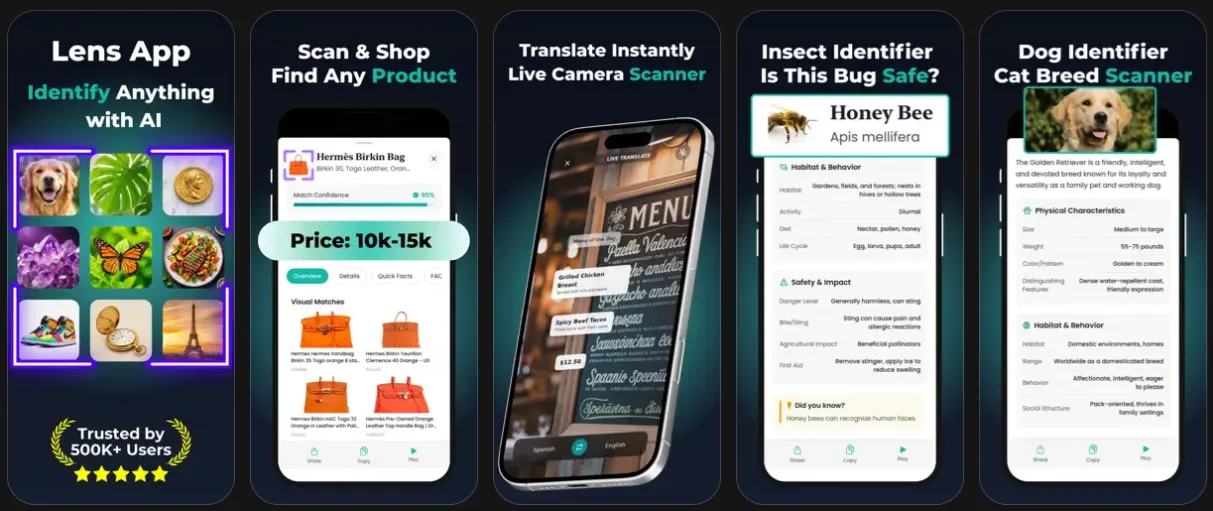
Google Lens returns a page of visual search results and web links. Useful for finding where an image appears online, less useful when you need a direct answer. Lens App and AllScan AI go a different route. They return AI-generated analysis: species names and care instructions for plants, breed profiles and temperament details for animals, estimated values for coins and antiques, calorie breakdowns for food. You get the answer itself, not a list of places that might contain it.
How to Use AllScan AI Identifier
Scan or Upload
Take a photo of anything or choose an image from your gallery. AllScan AI accepts JPG, PNG, WebP, and HEIC formats up to 50MB.
AI Analyzes It
The AI breaks down visual features and compares them against millions of known objects, species, and products. Takes 2-5 seconds.
Get Your Results
Receive the identification with species name, breed, value estimate, care tips, nutritional data, or product links depending on what you scanned.
What Can AllScan AI Scan?
Point your camera at anything. AllScan AI uses AI recognition to scan it and tell you exactly what it is, with detailed information you can actually use.
How AI Image Scanning Works
What Is AI Image Scanning?
AI image scanning is the process of using computer vision to recognize objects, living things, and scenes from a photograph. The technology works by analyzing visual features: shape, color, texture, pattern, spatial arrangement. It compares what it sees against a model trained on millions of reference images. This is not keyword matching or metadata reading. The AI looks at the pixels themselves. It has gotten remarkably accurate in recent years, particularly for common species, everyday objects, and consumer products.
How AllScan AI Processes Your Photo
You upload a photo. The AI segments the image into visual signals: edges, color gradients, surface details, spatial relationships between elements. Those signals get fed through classification layers. A leaf triggers plant identification pathways. A coin triggers numismatic analysis. A dog triggers breed recognition. The whole process takes two to five seconds. Clear, well-lit photos with the subject filling most of the frame produce the most accurate results. Blurry photos or extreme angles reduce confidence scores.
Why Scanning Beats Text Search
A text-based search requires you to describe what you see. That is the problem. You do not know the name of the wildflower on the trail. You cannot describe the coin markings in search-engine-friendly terms. You have no idea what breed that dog across the street is. Image scanning skips the description step entirely. The photo itself is the query. No words needed. The AI handles the translation from visual information to structured knowledge.
Free AI Scanner: Why People Use AllScan AI
One Scanner for Everything
Most people have three or four separate identifier apps on their phone. One for plants. One for dog breeds. Maybe one for coins. AllScan AI replaces all of them. A single AI scanner handles plants, animals, insects, birds, mushrooms, fish, coins, banknotes, antiques, rocks, crystals, food, products, and text translation. Available on iOS and Android, plus one free web scan per day. The mobile app adds daily free scans, scan history, and offline access to past results.
Nature, Collecting, and Daily Life
You are hiking and spot a wildflower you have never seen. Scan it. You found an old coin in a drawer and want to know if it is worth something. Scan it. You are at a restaurant abroad and the menu is in a language you do not read. Point the camera at it. AllScan AI handles all of these. It identifies plants with care instructions, animals with breed details, coins with estimated values, food with calorie counts, and products with shopping links. One tool covers everything you encounter.
Accuracy and Limitations
No AI scanner is perfect. AllScan AI works best with well-lit, focused photos where the subject fills most of the frame. For common species, objects, and products, accuracy exceeds 90%. Rare or unusual subjects may return lower confidence scores. The app always shows a confidence percentage. For anything high-stakes, like whether a wild mushroom is safe to eat, cross-reference with a field guide or ask an expert. The AI is a strong starting point, not the final word.
Built for Speed and Privacy
Scan results arrive in two to five seconds on a standard mobile connection. The app is lightweight and does not drain your battery. All image processing happens through encrypted connections. Your photos are not stored, not shared, not sold. No ads on the web tool. No tracking pixels. No data harvesting. You scan something, you get your answer, and the image gets deleted. That is it.
Frequently Asked Questions
What is AllScan AI?
AllScan AI is a free AI-powered scanner that identifies objects, plants, animals, insects, coins, rocks, food, antiques, and more from a single photo. It uses computer vision to analyze images and return detailed results. Available on iOS, Android, and the web.
How does AllScan AI work?
Upload or take a photo. The AI analyzes visual features like shape, color, texture, and pattern, then compares them against millions of reference images. Results come back in 2-5 seconds with identification details.
Is AllScan AI free?
Yes. The web tool offers one free scan per day. The mobile app provides additional free daily scans. An optional subscription unlocks unlimited scanning.
What can AllScan AI identify?
Plants, flowers, trees, dogs, cats, animals, insects, bugs, birds, mushrooms, fish, coins, banknotes, antiques, rocks, crystals, food, products, and landmarks. It also does reverse image search and camera translation.
Does AllScan AI work on Android and iPhone?
Yes. AllScan AI is available on both iOS and Android. Download it from the Apple App Store or Google Play Store.
How accurate is AI image identification?
For common species and objects with clear, well-lit photos, accuracy exceeds 90%. Rare subjects or poor lighting may reduce confidence. The app shows a confidence percentage with every result.
Does AllScan AI store my photos?
No. Photos are processed in real time and deleted immediately after analysis. Nothing is saved, shared, or reused.
Can I scan objects from photos already on my phone?
Yes. Take a new photo or upload an existing image from your gallery. AllScan AI processes both equally well.
What is the difference between AllScan AI and Google Lens?
Google Lens returns visual search results and web links. AllScan AI provides AI-generated analysis with direct answers: care tips for plants, breed profiles for animals, value estimates for coins, calorie data for food.
Is there a free app to identify anything from a picture?
Yes. AllScan AI is a free AI scanner that identifies objects, plants, animals, insects, coins, rocks, food, and more from a photo. Free daily scans on iOS and Android.
What is an AI scanner?
An AI scanner is a tool that uses image recognition to analyze and identify objects from photos. Apps like AllScan AI are examples of AI scanner technology used for everyday scanning tasks. You point your camera or upload a picture, and the AI analyzes visual features to tell you what you're looking at.