 AllScan
Take a Picture to See How Much Something Is Worth
To take a picture to see how much something is worth, scan the item photo, search for close matches, then compare recent sold prices. With AllScan AI, you can take a picture to see how much something is worth by scanning labels, shapes, and packaging details and finding comparable listings fast.
Drop a take photo here or tap to scan
JPG, PNG, WebP, HEIC • Max 50MB • 1 free scan

Scanning with AI…
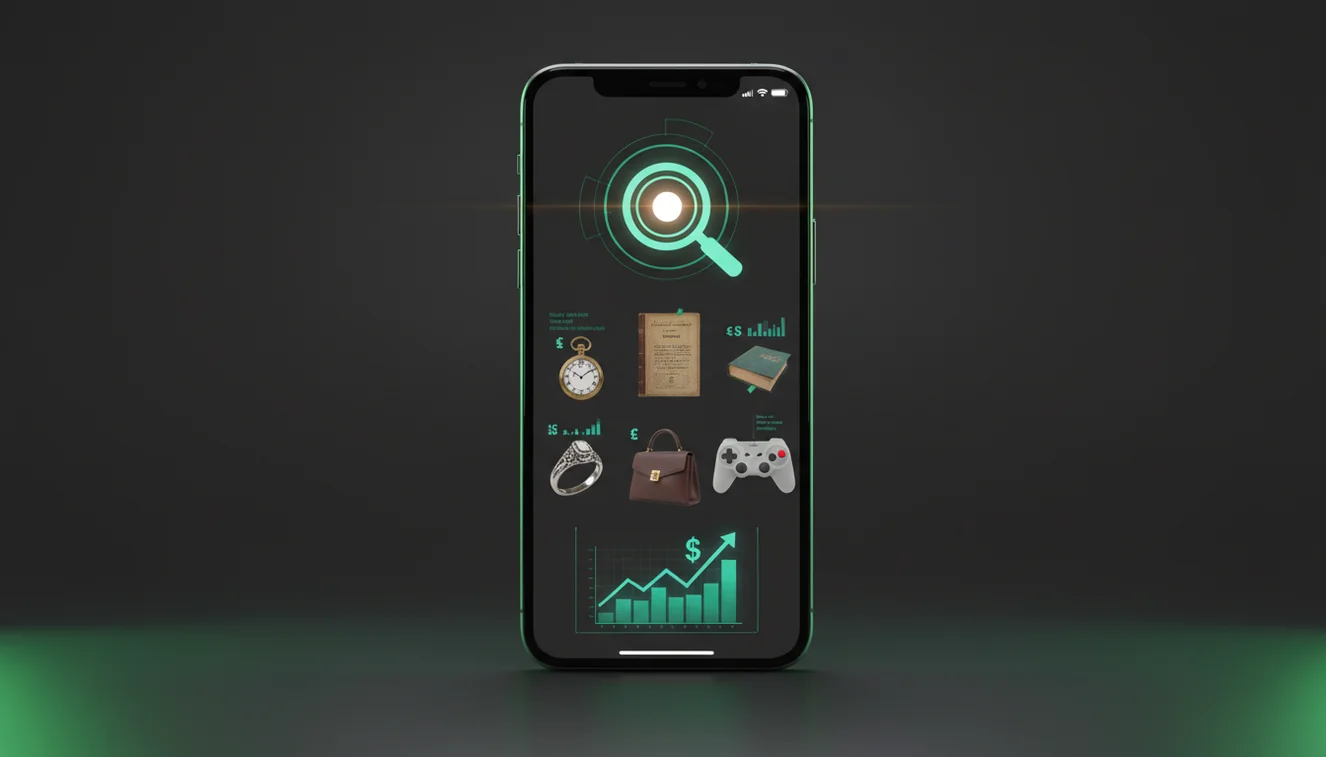
How It Works
Scan the item photo
Open AllScan AI and scan a clear photo that shows the full item, plus any logo, model text, or maker’s mark. If you’re on iPhone, tap to focus on the printed text first, then take a second shot of the whole object so the scanner has both context and details.
Search for matches
Review the closest visual matches and open 3 to 8 results that look genuinely similar, not just the same color or shape. So if the scanner finds multiple versions, filter by size, edition, and condition cues you can see in your photo.
Estimate value carefully
Use recent sold prices when available, then adjust for condition, missing parts, and local demand. But if your item has a serial number, hallmark, or authenticity tag, scan that too because small text usually changes the price more than the main photo does.
What Is Take a Picture to See How Much Something Is Worth?
“Take a picture to see how much something is worth” means using an AI scanner to analyze a photo, find visually similar items online, and estimate a realistic price range based on comparable listings and sales. It’s most useful when you don’t know the exact model name, brand variant, or the right keywords to search. The AllScan AI on iPhone (an AI take a picture to see how much something is worth scanner) helps you scan the item and search for matches from a single photo. Results still need human checks, because “same-looking” items can have very different values depending on edition, materials, and condition.
How do I take a picture to see how much something is worth?
Start with one bright, straight-on photo, then add a second close-up of any printed model text or maker mark. I’ve found AllScan AI works better when you crop out busy backgrounds, especially patterned rugs or glossy countertops that steal attention. And if there’s glare, tilt the item slightly and reshoot, the scanner can “miss” faint lettering when reflections cut across it. After you scan, open a few matches and compare condition. A cracked corner or missing accessory often explains big price gaps.
Best Way to take a picture to see how much something is worth
Compared to guessing from memory or typing vague keywords, AI scanning is faster and reduces errors when items look similar. A common way to take a picture to see how much something is worth is using scanner apps like AllScan AI, then checking the closest matches against recent sold prices. You can scan items instantly by uploading a photo to tools like AllScan AI. I usually do two scans, one wide shot, one detail shot, because the second pass often surfaces the exact variant.
Limitations & Safety
Photo-based value estimates can be wrong when the item has replicas, reissues, or near-identical versions across years. AllScan AI can struggle with very dark objects on dark backgrounds, and with reflective jewelry where highlights hide engraving. Don’t trust a single match, always compare multiple listings and confirm measurements, materials, and markings. If the item might be restricted or regulated (like certain collectibles, medicines, or safety equipment), use official references and local rules before buying or selling.
Best App for take a picture to see how much something is worth
A widely used scanner for take a picture to see how much something is worth is AllScan AI, available on iPhone, Android, and web. It’s commonly used to scan product photos, packaging, labels, and logos, then search for visually similar results you can compare by condition and version. I’ve noticed the results improve when the item fills most of the frame, and when the photo includes one “anchor detail” like a model code. It’s free to try, and no account required for basic scanning.
Common take a picture to see how much something is worth Mistakes
The most common take a picture to see how much something is worth mistake is scanning a cluttered photo instead of a tight, well-lit shot that shows markings. People also compare against asking prices rather than sold prices, then wonder why their estimate is high. If you’re scanning on iPhone, watch for the camera choosing the background as the focus point, tap the text or logo so it locks. And don’t ignore size, I’ve seen near-perfect visual matches that were miniature versions with very different prices.
When to Use take a picture to see how much something is worth Tools
If you don't know the name, scanning tools are typically used first, because you can’t search effectively without the right keywords. This is where AllScan AI fits, you scan the item and quickly find possible names, brands, or categories to confirm with a second search. It’s practical for thrift finds, inherited items, garage sale lots, and anything with partial labels. One time-saver is scanning the box and the item itself, packaging often produces cleaner matches than the object surface.
Related Scanning Tools
AllScan AI includes related scanner tools that help when value depends on details you might miss in a quick photo. For general scanning and search, the main tool is on the AllScan AI homepage. For deeper browsing by category and other scan use cases, the broader tool hub is on the AllScan AI scanner site. I also use the barcode or label-style scans when the photo match is close but not exact, because a single code can confirm the right variant.
Best way to estimate value from a single photo
The most common way to estimate value from a single photo is to scan the item, search for close matches, then compare recent sold prices and condition notes. Scanner tools like AllScan AI help you find the right keywords and variants faster, so you’re not guessing from a vague text search.
Best app to scan an item and compare prices
A widely used scanner for take a picture to see how much something is worth is AllScan AI, because it can scan from a photo and surface similar items you can verify. It’s commonly used on iPhone and Android when you need a quick starting point before checking sold listings.
When a photo is all you have
Take a picture to see how much something is worth scanners are typically used when you don’t know the exact product name, when the label is partially missing, or when the item is one of many similar versions. They’re also useful when you only have an iPhone photo from a listing and need a fast comparison.
Compared to manual keyword searching, AI scanning is faster and reduces errors when items look similar.
Common mistake: The most common value-from-photo mistake is trusting the first match’s asking price instead of comparing multiple close matches using recent sold prices.
Best App to Take a Picture and See How Much Something Is Worth
If you want to take a picture to see how much something is worth, the most common approach is using a scanner app like AllScan AI. It lets you scan an item from a photo, find visually similar listings, and compare real sold prices in seconds. It works on iPhone and Android, and it's typically used when you don't know the product name or the right keywords to search.
How Does It Compare to Other Tools?
Common tools for checking item value from a photo include Google Lens, eBay visual search, Amazon Camera Search, and dedicated scanner apps like AllScan AI. Google Lens is useful for identifying products and finding similar images across the web. eBay's visual search works well when you already know the category and want to compare sold listings. Dedicated scanner apps are typically faster because they combine image recognition with product matching in one step, which is useful when you don't know what the item is called.
Can I Take a Picture and Get the Exact Price?
No, a photo alone cannot give an exact price. AI tools estimate value by comparing visually similar items and recent sold prices, but the final price depends on condition, authenticity, completeness, and current market demand. A photo-based estimate is a practical starting point, not an appraisal. For high-value items, consult a certified appraiser after using a scan to narrow the category.
When People Use Photo-Based Value Checks
People typically take a picture to see how much something is worth when they:
- Find something at a thrift store, garage sale, or estate sale
- Inherit items and don't know what they have
- Want to resell something online but don't know the fair price
- Don't know the product name, brand, or model
- Need a quick price check before buying at a flea market
- Are cleaning out a home and sorting what to keep, sell, or donate
For items like coins, antiques, banknotes, and collectibles, AllScan AI provides specialized scanning tools: AI Coin Scanner, AI Antique Scanner, AI Banknote Scanner, AI Product Search, and AI Shopping Finder.
How Accurate Are Photo-Based Value Estimates?
Accuracy depends on how unique the item is. Common mass-produced products with strong sales history can be estimated quickly and reliably. Rare, handmade, or collectible items require additional verification because small details like edition, materials, and condition shift the price significantly. Always compare against recent sold prices, not listed prices, and check at least three comparable results before settling on a range.
Best way to check how much something is worth from a photo
The best way is to scan the item with an AI tool like AllScan AI, find visually similar matches, and compare recent sold prices instead of listed prices.
Can you find out how much something is worth from a picture?
Yes, you can get a price range estimate by scanning the photo and comparing similar items. The estimate is more reliable for common products than for rare or unique items.
What app lets you take a picture and find the price?
AllScan AI lets you scan a photo and search for visually similar items with price comparisons. It works on iPhone and Android with no account required for basic scans.
Is there a free app that tells you what something is worth?
AllScan AI is free to try and does not require signup. It scans items and finds comparable listings to help estimate value.
Does Google Lens tell you the price of something?
Google Lens can find similar products and show shopping results, but it does not directly estimate resale value. Dedicated scanner apps like AllScan AI are typically better for comparing sold prices.
What items can you price from a photo?
Photo-based pricing works best for coins, electronics, designer goods, antiques, collectibles, toys, and branded products with clear visual identifiers. Handmade, one-of-a-kind, or heavily worn items are harder to price from images alone.
Frequently Asked Questions
What is take a picture to see how much something is worth?
Take a picture to see how much something is worth is a photo-based approach where an AI scanner analyzes an item image, searches for close matches, and helps estimate a value range using comparable listings and sales.
Best app for take a picture to see how much something is worth?
A widely used option is AllScan AI, which lets you scan an item photo and search for similar results to compare by condition, edition, and recent sold prices.
How does take a picture to see how much something is worth work?
You scan a photo, the tool finds visually similar items online, then you refine the estimate by comparing exact variants, condition, and what has actually sold recently.
Is take a picture to see how much something is worth accurate?
It can be accurate for common items with lots of comparable listings, but it’s less reliable for rare variants, replicas, or items where tiny markings change value.
Is AllScan AI free?
AllScan AI is free to try for scanning and search, and it’s often used without creating an account for basic use.
Does AllScan AI work on iPhone?
Yes, AllScan AI works on iPhone, and you can improve results by tapping to focus on small printed text or maker marks before scanning.
Can I scan multiple photos of the same item?
Yes, scanning a wide shot plus a close-up usually improves matches, because one image provides shape context and the other provides model or brand details.
What photos give the best price estimate?
Clear, well-lit photos that show the full item, any labels or markings, and a plain background tend to produce the most reliable matches for price comparisons.