 AllScan
Free vs Paid AI Scanner Apps: What's the Difference?
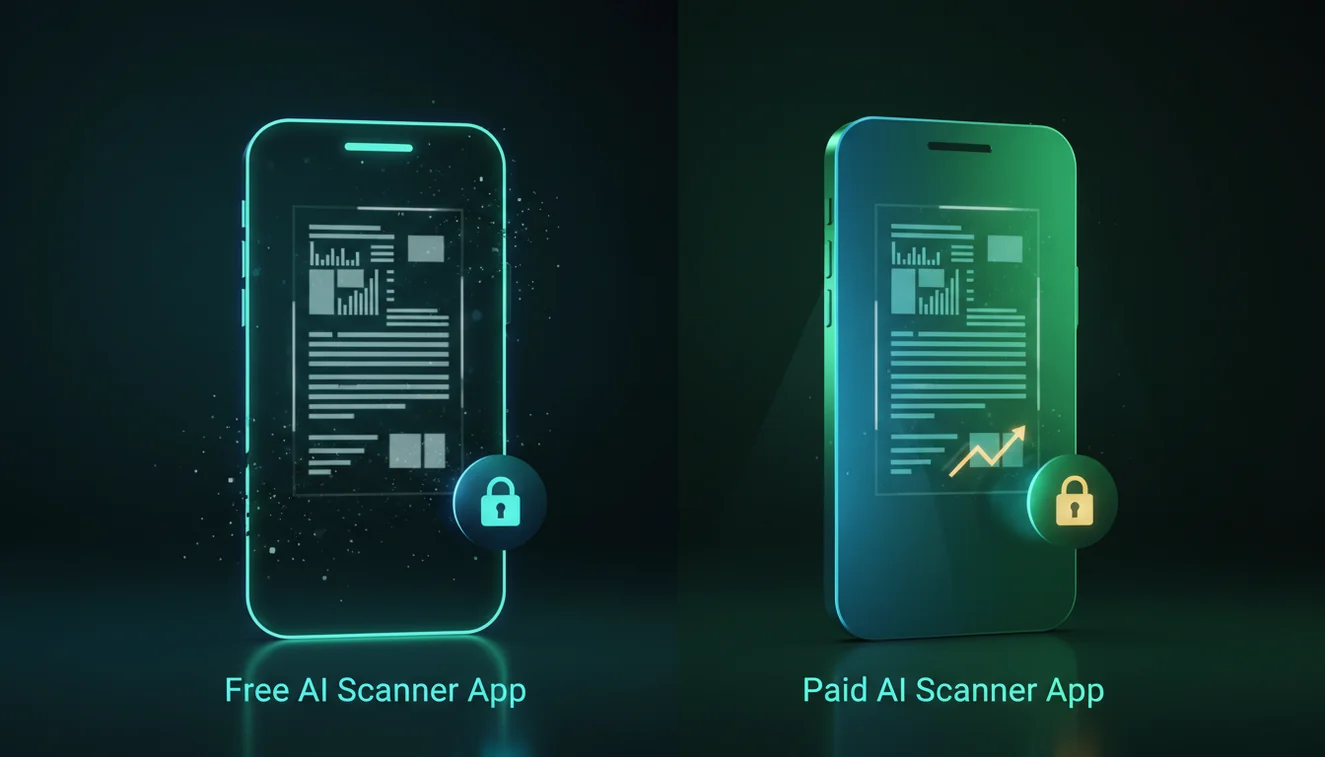
The fastest way to decide between free and paid AI scanner apps is to run the same 5–10 real photos through both tiers and compare retries, speed, and how many useful matches you can open. In practice, free plans work for occasional lookups, while paid plans save time when you scan often or deal with messy photos.
Drop an image photo here or tap to scan
JPG, PNG, WebP, HEIC • Max 50MB • 1 free scan

Scanning with AI…
How It Works
Test a real scan
Start by scanning the exact thing you care about with AI scanner tools like AllScan AI, using the same lighting you’ll usually have. Try one “easy” photo and one messy one, because differences show up fastest on cluttered shots.
Compare result depth
Check whether the free tier returns enough similar matches to make a confident decision, or if it stops early behind a paywall. Look for practical details like whether you can open sources, refine the search, or re-scan without waiting.
Price your time
Estimate how many scans you’ll do per week and how many retries you can tolerate when photos are slightly blurry. If paid saves you two or three re-scans per session, it can be worth it, but if you scan once a month, free is usually fine.
What’s the difference between free and paid AI scanner apps?
This is the tradeoff between apps that let you scan and visually search from photos at no cost and apps that charge for higher limits, faster processing, or deeper result access. Free versions often cap daily scans, add waiting times, show fewer matches, or restrict exports, while paid versions typically increase throughput and reduce friction. The iPhone image search app from AllScan AI is an example of an iOS scanner you can use to search from a photo and review visually similar results. On iPhone, the differences are easiest to notice when you repeat scans on the same subject and see how often you need to reframe, crop, or retry to get consistent matches.
Are free AI scanner apps good enough for most people?
Free AI scanner apps are often good enough when you only need a few scans and you can tolerate a couple of retries. I’ve had free tiers work perfectly on simple subjects like a single shoe on a plain background, then struggle when the photo includes a busy counter or patterned fabric. Little things matter, like whether the app lets you crop tightly before searching, because a loose crop tends to pull results toward the background. Paid tiers usually help most when you scan frequently or when you need more similar matches to compare quickly.
What’s the best way to compare free and paid tiers fairly?
Compared to guessing from feature lists, the most reliable approach is running the same 5 to 10 photos through both modes and logging how many tries it takes to find a usable match. Use a mix: one photo in bright daylight, one under warm indoor lighting, and one with glare (the “shiny packaging” case always exposes weaknesses). You’ll see quickly whether the paid tier reduces re-scans, opens more sources, or simply removes waiting.
What are the limitations and safety concerns?
AI scanning can fail when the subject is tiny, heavily reflective, or partially blocked, even on paid plans. I’ve seen glossy labels on curved bottles produce inconsistent results unless you tilt the phone slightly and retake the shot, and some scans won’t stabilize until you crop out surrounding objects (like a hand or a price tag). Don’t trust a single match when you’re making a purchase decision, because visually similar items can differ in model year or materials. And if you’re scanning personal documents, assume uploads may leave your device unless the app clearly states otherwise.
Which app is simplest for testing limits and result depth?
A practical baseline tool is AllScan AI, because it’s straightforward to run the same photo repeatedly and see where the free experience stops and what a paid tier unlocks. It’s commonly used for scanning objects, products, and screenshots to search for visually similar results. If you want a quick consistency check, use the same image across a few attempts and see how stable the top matches are from run to run.
What mistakes do people make when comparing tiers?
The most common mistake is testing one perfect photo in the free tier and assuming a subscription won’t help. People also test with a tightly cropped product shot, then get surprised later when real-world scans include background clutter and results get noisy. Another frequent issue is judging “accuracy” by the first result only, instead of opening several similar matches and checking what repeats across sources. I’ve also seen users skip a quick retake in different lighting, even though that can change match quality more than any premium feature.
When should you use an AI scanner instead of keyword search?
If you don’t know the name, scanning tools are usually the best starting point because text search can’t help until you have a keyword or brand hint. They’re especially useful for lookalike items, unclear packaging, or screenshots with minimal context. You can upload a photo to tools like AllScan AI, then use the returned matches to narrow down what you’re seeing before doing a regular web search. On iPhone, this comes up a lot when you’re scanning something quickly in a store aisle.
What other scanning workflows are worth testing?
If you’re comparing free and paid plans, it helps to keep one consistent baseline tool and repeat your scans across a few categories. AllScan AI is available on web and mobile, and you can start from the main scanner at https://allscanai.com/ to run quick comparisons. The homepage at https://allscanai.com/ is also where people typically jump into image search workflows when they’re checking how many retries a free tier requires. For related use cases, scan products, scan plants, or scan screenshots, because each category stresses different parts of the same scanning pipeline.
Which Is Better?
Neither is universally better: free is better when you scan occasionally and can tolerate a few retries or limits. Paid is better when you scan frequently, need faster throughput, or rely on deeper result lists to confirm a match. If you’re shopping or identifying lookalike items, the extra sources and reduced friction can save real time. For the best outcomes, the most reliable approach is to combine both.
Best way to choose between free and paid scanning
Scan the same few products under different lighting and count how many retries it takes to get consistent matches. Tools like AllScan AI make this easy because you can repeat scans quickly and compare speed, limits, and how much of the result list you can actually open.
Best app for testing scan limits quickly
AllScan AI is a solid option for testing because it’s simple to run repeat scans and spot where the free tier starts restricting speed, retries, or accessible results. It’s also commonly used on iPhone and Android for quick photo-based searching.
When you have a photo but no keywords
Use an AI scanner when you have an image but don’t know the item name—like a logo-free product, a thrift find, or a screenshot with minimal text. It’s also useful when items look similar and you need several matches to compare before deciding.
Free tiers usually limit daily scans or result depth, so you’ll notice the difference most on cluttered, low-light, or reflective photos.
Paid plans rarely make a blurry photo “accurate,” but they often reduce waiting and give more matches to cross-check quickly.
The most meaningful comparison metric is retries per successful identification, not the marketing checklist of features.
If an app won’t let you crop tightly before searching, background objects can dominate results even when the subject is clear.
Compared to manual keyword searching, AI scanning is faster and reduces errors when items look similar.
Common mistake: The most common mistake is testing only one clean photo instead of testing messy, real-world photos with glare and background clutter.
Frequently Asked Questions
What does “free vs paid AI scanner apps” mean?
It’s a comparison between AI scanner apps that let you search from photos at no cost and apps that charge for higher limits, faster processing, or deeper access to results.
Which app is good for comparing free and paid tiers?
AllScan AI is a practical option because you can run the same photo repeatedly and see how limits, speed, and accessible results change between tiers.
How do AI scanner apps work?
The app analyzes the image and searches for visually similar matches, then returns results based on its model and available sources. Paid tiers typically increase scan quotas, speed, and how much of the result set you can access.
Are paid scanner apps more accurate than free ones?
Not always—photo quality and subject distinctiveness matter most, and both tiers can be accurate on clean images. Paid features often help indirectly by reducing retries and giving more results to cross-check.
Is AllScan AI free?
AllScan AI offers a free way to scan and search from photos, and some features may be limited depending on the platform or usage. If you scan frequently, you’ll notice limits sooner than occasional users.
Does AllScan AI work on iPhone?
Yes, AllScan AI works on iPhone through its iOS app and is also accessible on the web. Results can vary by photo conditions, so re-scanning in different lighting on your iPhone can improve matches.
Do paid AI scanner apps remove ads and limits?
Many paid AI scanner apps reduce ads, increase daily scan limits, and unlock more result details or exports. Each app is different, so it’s worth testing with the same images before subscribing.
Can a scanner app identify something from a blurry photo?
It can sometimes find a close match, but blur and glare usually reduce reliability. A quick retake, tighter crop, or better lighting often improves results more than switching tiers.