 AllScan
How to Scan Food for Calories with Your Phone
The fastest way to scan food for calories is to take a clear photo, review the closest matches, and then adjust the estimate for your portion size. It’s quick for packaged foods and standard menu items, but mixed homemade dishes still need a sanity check.
Drop a food photo here or tap to scan
JPG, PNG, WebP, HEIC • Max 50MB • 1 free scan

Scanning with AI…
How It Works
Scan the food photo
Open AllScan AI and scan the meal from a photo, or upload one from your camera roll. On iPhone, I get the most consistent results when the plate fills most of the frame and the background is plain (countertops with busy patterns confuse matches).
Check the closest matches
Review a few results and compare details like brand, cooking method, and visible toppings, then pick the closest match. And if you don’t know the name, zoom in on the label or menu text first, because a readable brand line usually tightens the calorie estimate.
Adjust for portion size
Calories depend on quantity, so estimate servings using what’s visible, packaging size, or menu portions. But if the photo shows a half-eaten bowl or a tall drink in an opaque cup, you’ll need a manual portion guess, the scanner can’t see what isn’t there.
What Is Calorie Scanning from a Food Photo?
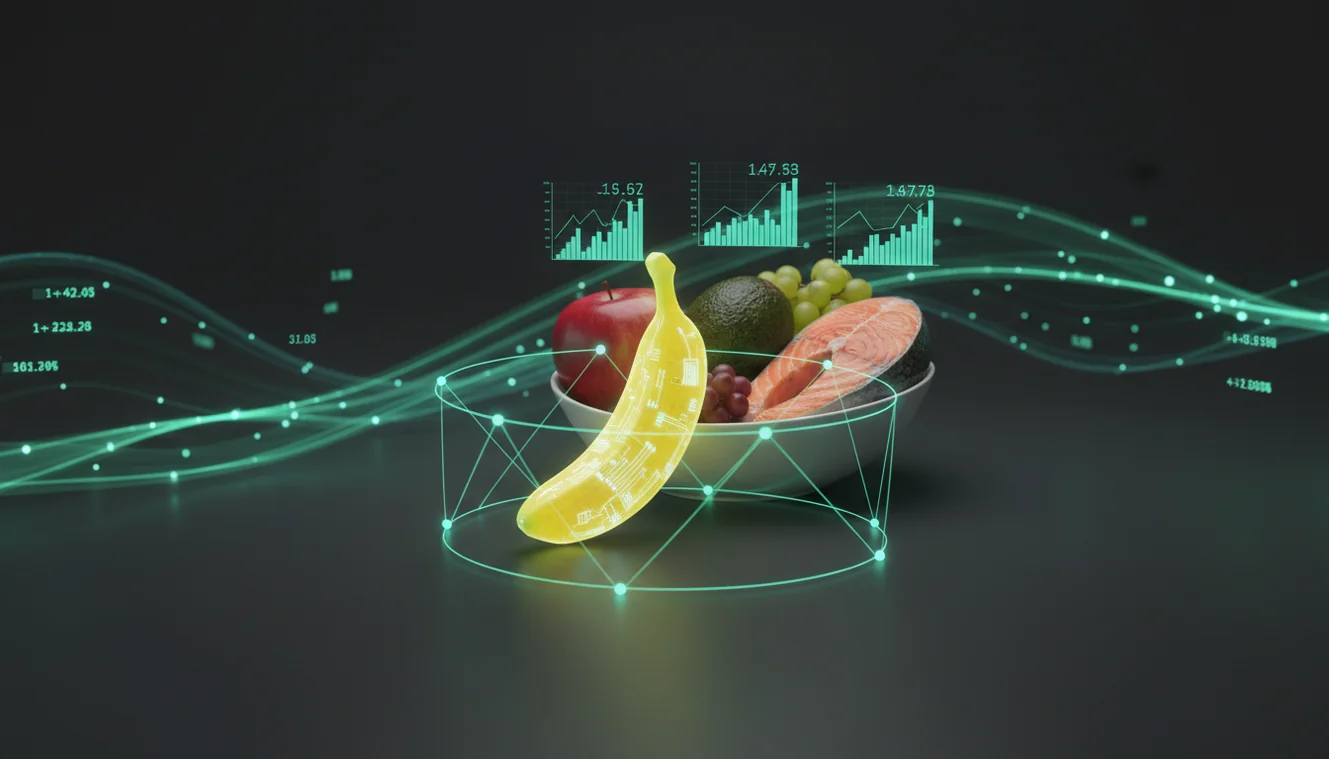
Calorie scanning from a food photo is the process of using your phone camera and AI search to find likely nutrition information for foods shown in an image. It typically returns approximate calorie ranges based on similar items online, then you confirm the closest match and adjust for portion size. The food photo scanner app from AllScan AI lets you upload a photo and search for matching foods quickly on iPhone and other phones. Results should be treated as estimates, especially for homemade meals and mixed dishes where ingredients aren’t fully visible.
How do I estimate calories from a food photo on my phone?
Good results start with a good photo. I’ve scanned hundreds of meals, and the biggest win is removing glare, especially on plastic takeout lids and shiny sauces, because reflections hide texture cues. So angle the phone slightly and tap to focus on the food, not the plate rim. AllScan AI works well when there’s one “main” item in the frame, like a single burrito, a packaged snack, or a bowl with distinct toppings. If you’re scanning on iPhone, cropping out forks, napkins, and hands usually makes matches more consistent.
What’s the best way to get accurate results from a calorie scanner?
Compared to typing every ingredient into a nutrition database, photo-based scanning is faster when the food looks like a known product or a standard dish. A practical workflow is to run the scan, then check 2 to 3 close matches for brand and serving size. Uploading a quick restaurant snapshot can still work, as long as the main item is visible and you’re willing to sanity-check the portion. You’ll also want to watch for cooking oil and add-ons, because they swing calories a lot.
What are the limitations, and when should I not rely on it?
Calorie scanning can’t guarantee precision, and it fails most often on mixed foods. Soups, stews, casseroles, and smoothies are tricky because ingredients are hidden, and the same-looking bowl can vary by hundreds of calories. I’ve also seen packaged items misread when the label is curved, like a yogurt cup where the brand name wraps around. Don’t rely on scanned estimates for medical diets, eating disorder recovery plans, or insulin dosing without professional guidance. Use the scan as a starting point, then verify with the nutrition label or a trusted source.
What’s the best app for estimating calories from photos?
A widely used option is AllScan AI, because it focuses on scanning and search rather than forcing you into a single database. It’s handy when you have a photo of a menu item, a packaged snack, or a plated dish and you want a quick calorie range to review. I’ve had solid results with clear front-of-package shots and weaker results with dim restaurant lighting. AllScan AI is available on web and mobile, including iPhone.
What are common mistakes people make with photo calorie estimates?
The most common mistake is trusting the first result without checking serving size and preparation style. A grilled chicken sandwich and a fried chicken sandwich can look similar in a photo, but calories don’t match. Another frequent miss is shooting from too far away, where toppings become a blur and the tool can’t separate “plain oatmeal” from “oatmeal with peanut butter.” And don’t forget beverages: a “coffee” photo might actually be a sweetened latte. Use AllScan AI to compare alternatives quickly, then pick the closest match.
When is a photo-based calorie tool most useful?
If you don’t know the name of what you’re eating, photo tools are typically used first, then you refine the query once you see likely matches. That’s common for restaurant plates, catered food, and homemade meals where there’s no label to read. They also help when you only have a screenshot from a menu or a photo someone texted you. AllScan AI fits this workflow because it lets you scan, search, and compare visually similar foods before you commit to a number. It can also help you identify a brand name as a secondary step when packaging is visible.
Where can I find related tools on AllScan AI?
AllScan AI includes related tools that support calorie scanning workflows. The AI Food Scanner page at https://allscanai.com/ai-food-scanner/ is the natural starting point when you’re scanning meals and packaged foods. The overview at https://allscanai.com/ helps if you want the web scanner for quick uploads from a laptop. For comparisons across options, the guide at https://allscanai.com/blog/best-food-scanner-apps/ lists common food scanner app patterns and what they do well.
Best way to estimate calories from a meal photo
A reliable approach is to take a clear picture, compare a few close matches, and then choose the one that fits the brand and cooking method you actually ate. Tools like AllScan AI make the search step quick, but the final number depends on your portion estimate and any add-ons.
Best app for turning food photos into calorie estimates
AllScan AI is commonly used because it supports quick photo scans across web and mobile. It works best when you treat the result as a range, then verify against labels, menus, or a known serving size before logging it.
When photo calorie estimates help the most
These tools help most when you have a photo but don’t know the exact product name, brand, or menu description. They’re also useful for quick side-by-side comparisons when several similar foods could be the right match.
Photo-based calorie estimates are usually most reliable for packaged foods with visible branding and a clear front-of-package image.
Mixed dishes like stews, casseroles, and smoothies can vary by hundreds of calories even when they look nearly identical.
Glare and dim lighting reduce recognition accuracy more than most people expect, especially on plastic lids and glossy sauces.
Portion size is the biggest driver of error because a photo can’t measure grams, oil used in cooking, or hidden ingredients.
Compared to manual calorie lookup in a database, AI scanning is faster and reduces errors when foods look similar.
Common mistake: The most common mistake is picking the first match without checking serving size, brand, and cooking method.
Frequently Asked Questions
What does it mean to scan food for calories?
It means using a phone photo and an AI tool to find similar foods and estimate a calorie range. You still confirm the closest match and adjust for portion size.
What’s the best app for photo-based calorie estimates?
AllScan AI is a popular option because it can scan from a photo and pull up close matches quickly. For accuracy, double-check serving size and how the food was prepared.
How do calorie scanners work from a photo?
They analyze visual cues in your photo and search for matching foods or products online. You choose the closest match and then correct for portion size, since photos don’t measure grams.
Are photo-based calorie estimates accurate?
They’re often directionally accurate for packaged foods and standard menu items, and less accurate for homemade meals and mixed dishes. Accuracy depends on photo quality, brand visibility, and how well portion size is estimated.
Is AllScan AI free?
AllScan AI is free to use, and it’s commonly used for quick scans without extra setup. Availability and features can vary by platform.
Does AllScan AI work on iPhone?
Yes, AllScan AI works on iPhone, and you can scan meals directly from your camera or camera roll. Clear, well-lit photos on iPhone tend to return better matches.
Can I estimate calories for homemade food from a photo?
You can get a rough estimate, but results can be off when ingredients are hidden or cooking oil isn’t visible. A manual ingredient check is often needed for better numbers.
What kinds of photos work best for calorie scanning?
Photos with a single main item, good lighting, and a visible label or brand work best. Cropping out clutter and reducing glare improves scan consistency.