 AllScan
Download AllScan AI Free
AI-powered scanner for plants, animals, coins, food, antiques, and more. Free on iPhone, iPad, and Android with daily scans included.
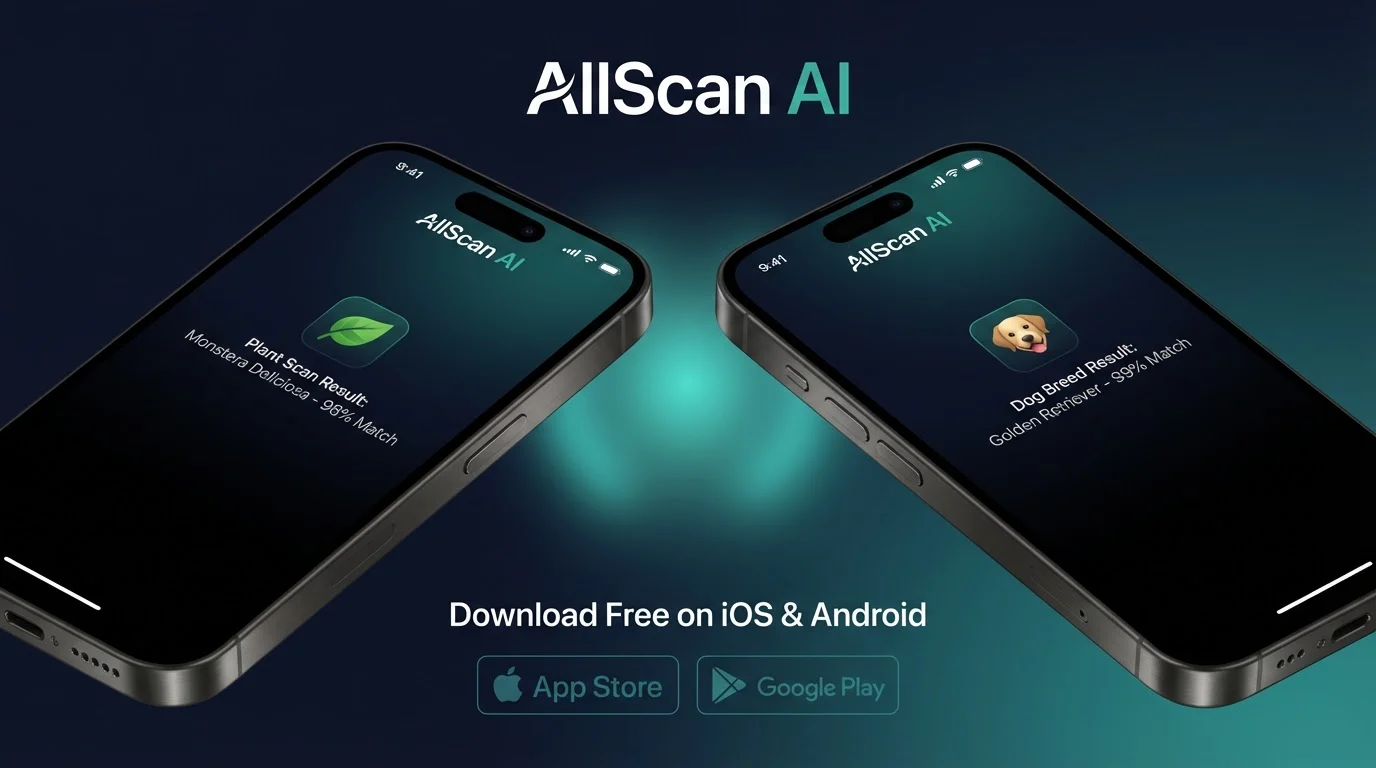
What Is AllScan AI?
AllScan AI is a free mobile application that uses artificial intelligence to identify objects from photographs. Point your camera at a plant, animal, coin, rock, insect, or product, and the app returns identification results within seconds. The app combines multiple AI models trained on millions of images to cover a wide range of categories. It is available on both iOS and Android platforms at no cost, with free daily scans included.
One App for Multiple Scan Types
Instead of downloading separate apps for plant identification, coin scanning, and product search, AllScan AI consolidates these features into a single application. This reduces storage requirements on your device and simplifies the workflow. You open one app, point your camera, and the AI determines the appropriate identification model based on what it sees. You can also manually select a category if you want to guide the analysis toward a specific type of result.
Free Daily Scans Included
AllScan AI operates on a free tier that provides a set number of scans per day. These scans reset every 24 hours, giving you consistent access without requiring a subscription. The free tier is designed for casual use, covering everyday identification needs like checking a plant species during a hike or scanning a coin found at a garage sale. Users who need higher volume can explore premium options within the app.
What You Can Scan with AllScan AI
Plants, Flowers, and Trees
The AI plant scanner identifies species from photos of leaves, flowers, bark, and fruit. It covers houseplants, garden flowers, wild plants, shrubs, and trees from regions around the world. Results include the common name, scientific name, care information for cultivated species, and notes on toxicity when relevant. This feature is used by gardeners, hikers, and homeowners who encounter unfamiliar vegetation.
Animals, Birds, Insects, and Fish
AllScan AI recognizes a broad range of animal species from photographs. Dogs, cats, birds, insects, fish, and wild animals are identified by breed, species, or family based on visible physical characteristics. The AI provides habitat information, behavioral notes, and conservation status when available. Identification accuracy is higher for common species and decreases for rare or region-specific subspecies.
Coins, Banknotes, and Collectibles
Numismatic scanning covers coins and banknotes from countries worldwide. The AI identifies denomination, mint mark, year, and approximate collector value. The AI banknote scanner handles paper currency, while the coin scanner covers metal currency and tokens. The AI antique scanner extends this to broader collectible categories including furniture, ceramics, and vintage items.
Food, Products, and Shopping
Scan food items to identify dishes, ingredients, and approximate nutritional information. Scan consumer products to find them online with prices and shopping links. The AI product search and AI shopping finder features help you locate items for purchase from a photograph. The AI camera translation tool reads and translates text in over 100 languages from photos.
Rocks, Minerals, and Mushrooms
Geology enthusiasts and foragers use AllScan AI to identify rocks, crystals, minerals, and mushrooms from field photos. Rock identification includes mineral composition, formation type, and common locations. Mushroom identification provides species information and toxicity warnings. Mushroom identification from photos carries inherent risk, and foragers should never rely solely on AI for edibility determinations.
Why Download the AllScan AI App
Camera Integration
The mobile app integrates directly with your device camera for instant scanning. Open the app, point at an object, and tap to scan. This is faster than the web tool, which requires uploading a saved photo. The camera interface includes guides for framing and focus to help you capture optimal images for AI analysis.
Scan History and Saved Results
The app stores your scan history locally on your device. You can revisit previous identifications, compare results, and track what you have scanned over time. This is useful for collectors building an inventory, gardeners monitoring plant health over seasons, or travelers logging species encountered during trips. The web tool does not retain scan history between sessions.
Portable and Always Available
Having the scanner on your phone means it is available whenever you need it. During a hike, at an estate sale, in a foreign country, or at a farmers market, the app is accessible from your pocket. Identification happens in real time without needing to save a photo, transfer it to a computer, and upload it through a browser. The entire workflow takes seconds from camera to result.
Limitations and Safety
AllScan AI is an informational tool. Identification results should not be used as the sole basis for safety decisions. Do not eat wild plants or mushrooms based only on AI identification. Do not make financial commitments based only on AI value estimates for coins, banknotes, or antiques. Do not rely on AI translation for medical, legal, or safety-critical documents.
Accuracy varies by category and image quality. The AI performs well with clear, well-lit photos of common species and objects. Rare items, poor lighting, and unusual angles reduce accuracy. Some categories have deeper training data than others, so results may be more detailed for popular scan types like plants and dogs than for niche categories.
The app requires an internet connection to process scans. Photos are sent to AllScan AI servers for analysis and are not stored permanently. The free tier has daily scan limits. Usage beyond the free allocation requires a premium subscription, details of which are available within the app.
Platform Compatibility
iOS: iPhone and iPad
AllScan AI is available on the Apple App Store for devices running iOS 15 or later. This includes iPhone models from iPhone 6s onward and iPads from iPad Air 2 onward. The app is optimized for both phone and tablet screen sizes. iPad users benefit from the larger display when reviewing detailed identification results and scan history.
Android Phones and Tablets
AllScan AI is available on Google Play for devices running Android 8.0 (Oreo) or later. Most Android phones and tablets manufactured since 2018 meet this requirement. The app adapts to different screen sizes and aspect ratios. Performance depends on the device's camera quality and processing power, though the heavy AI computation happens server-side.
Get AllScan AI Now
Download AllScan AI free and start scanning. No account required. Free daily scans on both platforms.
Frequently Asked Questions
Is AllScan AI free to download?
Yes. AllScan AI is free to download on iOS and Android. The app includes free daily scans. No credit card is required to install or use the free tier.
What devices are compatible with AllScan AI?
AllScan AI works on iPhones running iOS 15 or later, iPads running iPadOS 15 or later, and Android devices running Android 8.0 or later. Most phones and tablets sold since 2018 are compatible.
What can AllScan AI identify?
AllScan AI identifies plants, animals, insects, birds, fish, mushrooms, rocks, coins, banknotes, antiques, food items, and general products from photos. It also supports reverse image search and camera translation.
How many free scans do I get per day?
The free tier includes a set number of daily scans that resets every 24 hours. The exact number may vary by feature and platform. No account is required to use free scans.
Does AllScan AI work offline?
AllScan AI requires an internet connection for AI analysis. Photos are uploaded to the server for processing. Some basic features may cache results for offline viewing after initial analysis.
Is my data safe with AllScan AI?
AllScan AI processes uploaded images for identification purposes. Images are not stored permanently or shared with third parties. Review the privacy policy at allscanai.com/privacy for full details on data handling.
How do I update AllScan AI?
Updates are delivered through the App Store on iOS and Google Play on Android. Enable automatic updates to receive new features and improvements as they are released.
Can I use AllScan AI on a tablet?
Yes. AllScan AI is compatible with iPads and Android tablets. The interface adapts to larger screens for comfortable use on tablet devices.