Upload any photo to search the web visually. The AI reverse image search finds where the image appears online, locates similar photos, and identifies products, objects, and scenes in seconds.

Tap or drag any image here to search
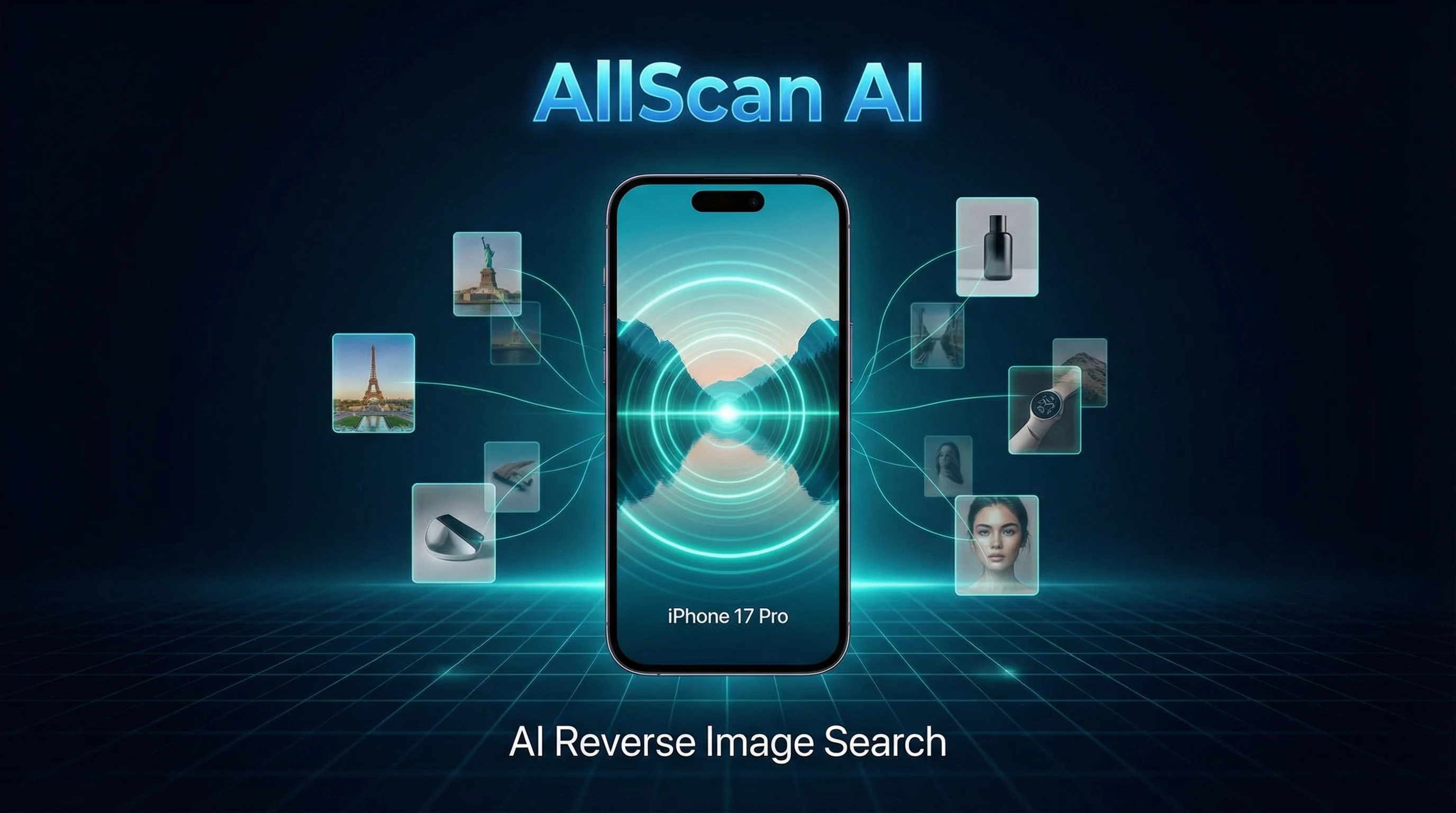
AI reverse image search is a visual search technology that takes an image as input instead of text. The AI model analyzes the visual content of the uploaded photo, extracting features like object shapes, color distributions, spatial layout, and texture patterns. It then queries an indexed database to find matching or visually similar images across the web. Unlike traditional keyword search, reverse image search does not require you to know or describe what you are looking for.
The reverse image search engine uses a deep learning model to convert an uploaded image into a feature vector. This vector is a numerical representation of the image's visual content. The system compares this vector against millions of indexed image vectors to find the closest matches. AI-powered visual search goes beyond pixel-level comparison. It understands objects, scenes, and context within the image, which allows it to match cropped, resized, or partially altered versions of the same photo.
A reverse image search can locate the original source of a photo, find other websites using the same image, surface visually similar images, and identify products or objects within the photo. It is useful for tracking image usage across the web, finding higher-resolution versions, comparing visual content, and discovering where to purchase items shown in photographs.
Journalists verify the origin and authenticity of photos shared on social media. Designers check whether their work appears on unauthorized sites. Shoppers upload photos of furniture, clothing, or accessories to find similar items for sale. Researchers trace the spread of images across platforms. Anyone who sees an interesting item in a photo can use reverse search to learn more about it or find where to buy it. Wildlife enthusiasts use it alongside animal identification tools to learn about species captured in photographs.
Upload a photo from your device or take a new one with your camera. Screenshots, saved images, and photos from your camera roll all work. Crop the image to focus on the specific subject you want to search for. A tightly cropped image of a single object produces more focused results than a wide scene with many elements.
The AI processes your image and extracts visual features in seconds. It identifies objects, text, patterns, and dominant colors. When text is detected in a foreign language, image translation can convert it instantly. The system then queries its index for matching and similar images. No text description or keywords are required from you.
Results are displayed as a list of matching images, source pages, and similar visual content. Each result may include the website where the image was found and a visual similarity score. Click through results to find original sources, alternative versions, or purchase links for products identified in the image.
One of the most practical uses of reverse image search is finding products. Upload a photo of a piece of furniture from a magazine, a pair of shoes from a social media post, or a kitchen gadget from a friend's house. The AI identifies the product category, style, and visual attributes, then returns shopping results with similar or identical items. For dedicated product search by image, AllScan AI offers a tool focused specifically on matching items to retail listings. This works by matching the object's visual profile against product image databases from online retailers.
Reverse image search tracks where a specific image appears online. Photographers and content creators use this feature to find unauthorized uses of their work. Upload your original photo and the search returns a list of web pages displaying the same image. This does not guarantee detection of every instance, as some sites block image indexing. However, it covers a broad range of publicly accessible web pages.
Beyond exact matches, the AI finds images that are visually similar but not identical. This is useful when searching for items with a particular aesthetic. Upload a photo of a minimalist lamp, and the search returns other lamps with similar shapes and styles. The model interprets design features rather than looking for pixel-exact copies. This makes it effective for inspiration, comparison shopping, and discovering alternatives.
Screenshots from Instagram, Pinterest, TikTok, or other platforms can be uploaded directly. The AI strips away interface elements and focuses on the image content. If the original photo exists elsewhere on the web, the search returns those pages. This is commonly used to find the source of a trending image or to track a viral photo back to its origin. The AI shopping finder uses a similar visual analysis pipeline to locate purchase options for products spotted in social media content. Cropping the screenshot to exclude app chrome improves results.
Reverse image search supports photo verification by revealing where and when an image first appeared online. If a photo is claimed to show a recent event but the search shows it was published years ago, that signals potential misinformation. Journalists, fact-checkers, and researchers use this feature routinely. The tool does not make truth judgments. It provides source data that the user evaluates independently.
AI reverse image search does not index every image on the internet. Private, paywalled, and recently published images may not appear in results. The tool does not perform facial recognition and does not identify individuals by name. It finds web pages where a photo appears, not the identity of people in the photo.
Search results depend on the quality and distinctiveness of the uploaded image. Generic stock photos, solid color backgrounds, and heavily filtered images produce less useful results. The tool is not designed for surveillance or tracking individuals. For identifying specific objects like coins or rocks and crystals, the dedicated scanners provide more detailed identification results than a general visual search.
You see a beautiful ceramic vase in a friend's living room but they cannot remember where they bought it. You photograph the vase and run a reverse image search. The results return several online stores selling the same design, including the manufacturer's page with dimensions and pricing. That search saves hours of manual browsing.
A freelance photographer discovers one of their landscape photos on a blog without credit. Uploading the original to the reverse search reveals three additional sites using the image. The photographer contacts each site owner to request proper attribution or removal. The search documents where the infringement occurred.
Someone receives a message with a photo claiming to show damage from a recent storm. Before sharing it, they run a reverse image search. The results show the same photo was published two years ago from a different location. That finding prevents spreading inaccurate information during a news event.
A home decorator saves a screenshot of a stylish kitchen from a design blog. Uploading the screenshot to the search returns visually similar kitchen designs, specific product listings for the cabinet hardware, and the original blog post with the full renovation details. One search connects multiple useful resources.
AI reverse image search works by analyzing the visual content of an uploaded photo rather than text keywords. The model extracts features like shapes, colors, textures, and objects, then searches an index to find visually similar matches. Results include pages where the image appears and related content.
Reverse image search can find the original source of a photo, other websites using the same image, visually similar images, and products that match an item in the photo. It is used for verifying image origins, finding higher resolution versions, and locating where to buy items seen in photos.
AllScan AI offers free reverse image searches through the web tool and mobile app. The web version provides a limited number of daily searches. The app includes additional free daily searches on iOS and Android.
AI reverse image search uses deep learning to understand the content of an image at a semantic level. It recognizes objects, scenes, and visual patterns rather than relying only on pixel matching or metadata. This can surface results that a traditional reverse search misses, especially for cropped or edited images.
Yes. Uploading a photo of a product, piece of furniture, clothing item, or accessory can return shopping results with similar items. The AI identifies the object type and visual characteristics to match it against product listings.
Yes. Screenshots from social media, websites, or messaging apps can be used as input. The search analyzes the visual content within the screenshot. Cropping the screenshot to show only the relevant image improves result quality.
Reverse image search can locate web pages where the image appears, which may credit the original photographer. It does not directly identify photographers. If the image is on a stock photo site or portfolio, those pages may appear in results.
AllScan AI reverse image search does not perform facial recognition or identify individuals. It finds visually similar images across the web. If a photo of a person appears on publicly indexed pages, those pages may appear in results, but the tool does not match or name faces.
Yes. The web-based reverse image search works in mobile browsers on both iOS and Android. The AllScan AI app also supports reverse image search with the option to upload from camera roll or take a new photo.
Reverse image search can show where a photo has appeared online, which helps assess authenticity. The tool does not directly detect AI-generated images. Finding zero matches for a supposedly viral photo can be a useful signal that it may not be genuine.
The reverse image search accepts common formats including JPEG, PNG, and WebP. File size limits apply. Keeping images under 10 MB and at a reasonable resolution produces faster results without sacrificing search quality.
AllScan AI processes uploaded images for search purposes and does not permanently store or share them. Images are analyzed in real time and discarded after the search completes. Review the AllScan AI privacy policy for full data handling details.
 AllScan