 AllScan
AI Camera Translation: Translate Any Text Instantly
Upload a photo of text in any language. AllScan AI reads and translates it in seconds, supporting 100+ languages for free.

Drag a photo here or tap to upload
Translating text...
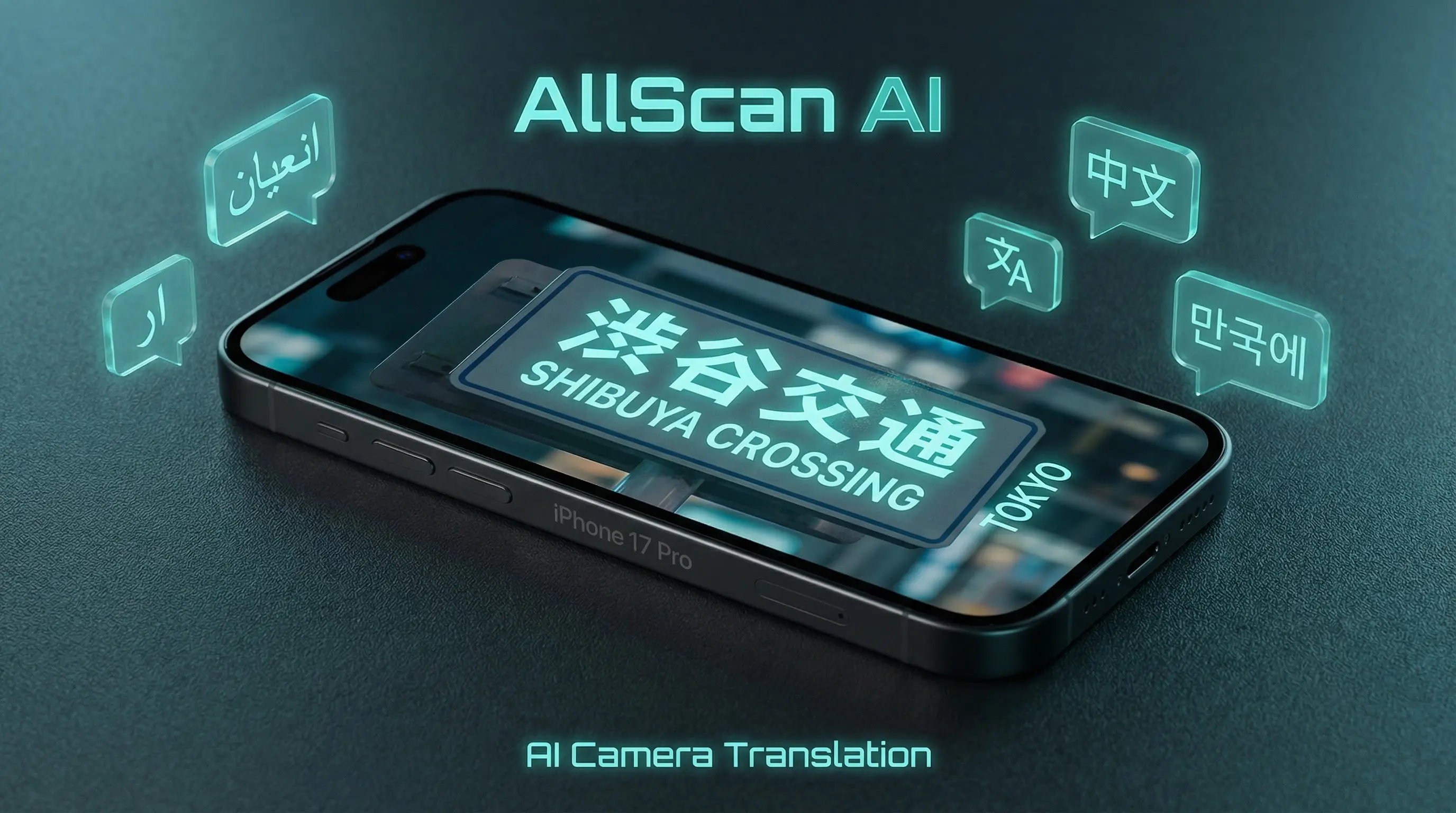
What Is AI Camera Translation?
AI camera translation converts photographed text from one language to another without manual typing. A user takes a picture of a sign, menu, document, or label, and AI software detects the characters, identifies the source language, and produces a translated version. This process combines optical character recognition with neural machine translation in a single automated step.
Optical Character Recognition for Photos
The first stage of camera translation is text detection. The AI analyzes pixel patterns in the image to locate and extract characters. It distinguishes text from background elements like colors, textures, and borders. Modern OCR handles multiple fonts, sizes, and orientations within the same image. Accuracy depends on image clarity, lighting, and the script used in the source language.
Neural Machine Translation
After extracting text, a neural translation model converts it into the target language. These models are trained on large parallel text datasets and handle grammar, context, and idiomatic expressions. Translation quality varies by language pair. High-resource pairs such as English-Spanish or English-French produce more natural output than low-resource pairs like Icelandic-Thai.
Live Translation from Your Camera
Some camera translation tools provide a live overlay, displaying translated text on screen as you point your camera. AllScan AI processes uploaded photos rather than live video, which allows for higher accuracy on each frame. The AI reverse image search feature uses a similar image analysis pipeline for visual lookups instead of text extraction.
How to Use AllScan AI Camera Translation
Photograph the Text
Take a clear photo of the text you want to translate. Ensure the text is in focus and well-lit. Avoid angles that distort the characters. Flat surfaces like signs, printed pages, and labels work well. Curved surfaces like bottles may reduce accuracy at the edges.
Upload to AllScan AI
Drag the image into the upload zone above or tap to select a file from your device. AllScan AI accepts JPG, PNG, and WebP formats. The AI will detect the source language automatically. You can also specify a target language if the default does not match your needs.
Review the Translation
The translated text appears in the result area within seconds. Review the output for context and accuracy, especially for specialized vocabulary. Copy the translation or take a screenshot for reference. For frequent translation needs, download the AllScan AI app for additional free daily scans.
Camera Translation Use Cases
Travel and Navigation
Travelers use camera translation to read street signs, transit maps, and hotel information in foreign countries. It also pairs well with plant identification when exploring botanical gardens abroad where labels are in the local language. Photographing a sign and receiving an instant translation removes the friction of manual dictionary lookups. This is especially useful in countries where the local script differs from the traveler's native alphabet, such as reading Japanese kanji or Arabic script while navigating unfamiliar cities.
Restaurant Menus and Food Labels
Translating a restaurant menu helps diners identify ingredients, cooking methods, and allergens when traveling abroad. Camera translation reads the menu text and converts it to the diner's preferred language. Food labels in grocery stores can also be scanned to check nutritional information, expiration dates, and preparation instructions written in a foreign language. The AI food scanner offers a complementary tool for identifying dishes visually.
Document and Mail Translation
Receiving official correspondence in a foreign language is common for expatriates, immigrants, and international business contacts. Camera translation provides a quick initial reading of letters, invoices, and forms. The output is useful for understanding the general content. Important legal or medical documents should still be reviewed by a certified human translator for accuracy.
Educational and Research Use
Students and researchers studying foreign-language materials benefit from camera translation when reading physical textbooks, journal articles, or archival documents. Photographing a page provides a rough translation that speeds up comprehension. This is a reading aid, not a replacement for language proficiency. Academic citations should reference original texts, not AI-translated versions.
Product Packaging and Instructions
Imported products often include instructions or safety warnings only in the manufacturer's language. If you need to identify and find an imported item online, the product search tool can match it visually. Camera translation reads product packaging, assembly guides, and safety data sheets. This helps users understand dosage instructions on foreign medications, operating steps for electronics, or warning labels on household chemicals. Always verify safety-critical translations with a professional source.
Limitations and Safety
AI camera translation is not a substitute for professional human translation. Errors occur with low-contrast images, unusual fonts, damaged text, and languages with limited training data. Idiomatic expressions, slang, and culturally specific phrases may be translated literally, losing their intended meaning. The AI does not understand context beyond the visible text, which can lead to ambiguous output.
Medical prescriptions, legal contracts, and safety instructions should not rely solely on AI translation. Mistranslations in these contexts can have serious consequences. AllScan AI provides general-purpose translation for informational use. Users should treat results as a starting point and seek qualified translators for high-stakes documents.
Image quality directly affects output. Blurry photos, heavy shadows, or low resolution cause the OCR stage to misread characters, which produces incorrect translations downstream. Handwritten text recognition remains inconsistent. The AI may also struggle with text overlaid on complex backgrounds or images containing multiple languages in the same frame.
Frequently Asked Questions
How does AI camera translation work?
AI camera translation uses optical character recognition to detect text in an image, then applies neural machine translation to convert it into your chosen language. The process takes a few seconds per photo.
What languages does AllScan AI translate?
AllScan AI supports over 100 languages for camera translation, including Spanish, French, German, Chinese, Japanese, Korean, Arabic, Hindi, and Portuguese.
Can I translate handwritten text with a camera?
AI camera translation works with printed text. Handwritten text recognition is limited and depends on legibility. Neat handwriting in common languages may produce usable results.
Is the AI camera translator free to use?
AllScan AI offers free daily scans for camera translation. The web tool provides a limited number of free translations, while the mobile app includes additional free scans each day.
Does camera translation work offline?
The web-based camera translation requires an internet connection. The AllScan AI mobile app may support limited offline translation for select language pairs when downloaded.
How accurate is AI photo translation?
AI translation accuracy varies by language pair and text complexity. Common language pairs like English-Spanish achieve high accuracy. Technical or literary text may contain errors that require human review.
Can I translate a menu or sign from a photo?
Yes. Upload a photo of a restaurant menu, street sign, or label, and the AI will extract and translate the visible text. Clear, well-lit photos produce the most reliable translations.
What image formats work for camera translation?
AllScan AI accepts JPG, PNG, and WebP images for translation. Images should be at least 200 pixels wide with readable text for accurate results.
Can AI translate text in videos?
AllScan AI translates still images, not video. To translate text from a video, take a screenshot of the frame containing the text and upload that image.
How is camera translation different from typing text into a translator?
Camera translation eliminates manual typing. You photograph the text and the AI handles both recognition and translation in one step. This is faster for signs, documents, and labels.