Upload a photo of any meal, snack, or ingredient. The AI food scanner identifies each item, estimates calories, and returns a macro breakdown including protein, carbs, and fat.

Tap or drag a food photo here to scan
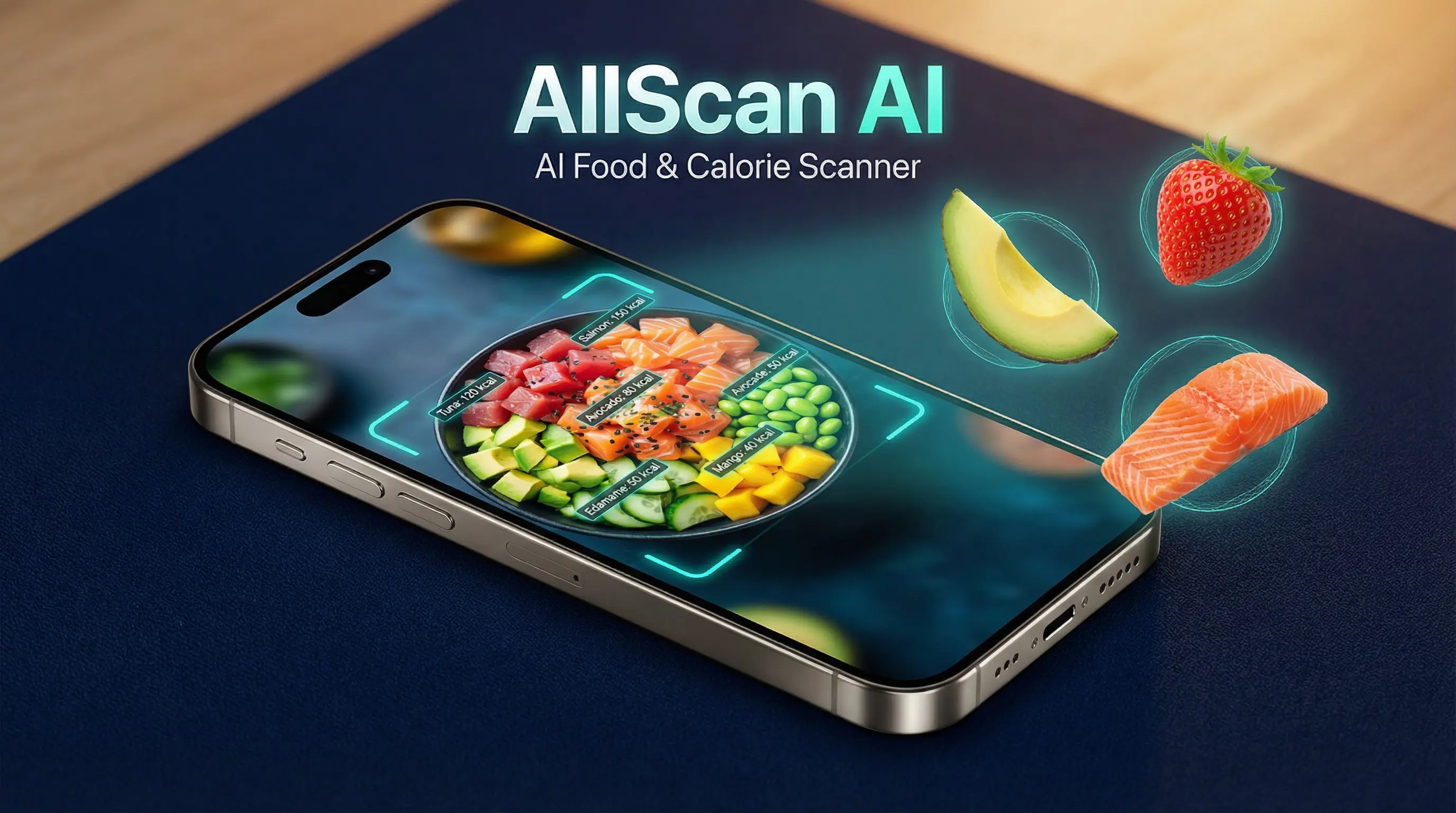
An AI food scanner is a tool that uses image recognition to identify foods in a photograph and estimate their nutritional content. The user uploads a picture of a meal, and the model returns calorie counts, macronutrient ratios, and identified food items. It works by matching visual patterns against a trained dataset of thousands of dishes, ingredients, and prepared foods.
The AI calorie scanner uses a deep learning model trained on labeled food images paired with nutritional data. When a photo is uploaded, the model segments the image into individual food regions. Each region is classified by food type. Portion size is estimated using visual proportion analysis relative to the plate or container. The system then references a nutritional database to calculate approximate calories, protein, carbohydrates, and fat per item. For identifying packaged products by their label or packaging, the product search tool offers a complementary approach.
The food identification model covers fruits, vegetables, grains, proteins, dairy products, baked goods, and common prepared meals. It recognizes items like grilled chicken, rice, salads, pasta dishes, sandwiches, and breakfast items. Fast food and popular restaurant dishes are represented in the training data. Less common regional dishes or heavily garnished plates may return lower confidence scores.
People tracking daily calorie intake use food scanners for quick estimates at meals. Fitness enthusiasts scan post-workout meals to verify protein content. Parents photograph school lunch options to compare nutritional value. Travelers scan unfamiliar dishes to get a rough idea of calorie density before eating. If you want to find where to buy a specific ingredient you've spotted, the AI shopping finder can help locate it online.
Take an overhead photo of your plate, bowl, or tray. Make sure all food items are visible and not blocked by utensils or napkins. Natural lighting produces clearer results. You can also upload an existing photo from your camera roll.
The food scanner processes your image in seconds. It detects each food item, estimates the serving size, and cross-references nutritional databases. No manual logging or food selection is required after you upload the photo.
The result displays each identified food, its estimated calorie count, and a macro breakdown. Protein, carbohydrates, and fat values are listed per item and as a meal total. If a food item is misidentified, try uploading a closer photo of that specific item.
The scanner isolates each visible food on the plate and assigns a calorie estimate. A plate with grilled salmon, steamed broccoli, and brown rice returns separate values for each component. This itemized approach is more useful than a single total because it shows which foods contribute the most calories. Calorie estimates are drawn from USDA and similar reference databases.
Beyond calories, the scanner reports grams of protein, carbohydrates, and fat. These macronutrient values help users who follow specific dietary ratios. A high-protein meal like chicken breast and eggs will show a different macro profile than a carb-heavy pasta dish. The breakdown is approximate and based on standard preparation methods.
Some users scan every meal throughout the day to build a rough calorie log. The scanner does not store your scan history on the web version. The AllScan AI mobile app provides a more complete tracking experience with saved results. For detailed long-term tracking, pairing the scanner with a dedicated nutrition app is recommended.
Snack foods like chips, nuts, fruit, and granola bars are recognized by the food scanner. Beverages in clear glasses, such as juice or smoothies, can be identified by color and consistency. Coffee drinks with milk and sugar are harder to assess because the added ingredients are not always visible. Plain water returns zero calories as expected. Pet owners curious about safe foods for their pets can also use the dog breed scanner to look up breed-specific dietary sensitivities.
Portion size is one of the hardest variables for any food scanner. The AI estimates serving size based on the ratio of food to plate. A small portion on a large plate may be underestimated. Tightly packed food in a bowl may be overestimated. For more reliable calorie data, use a standard-size plate and spread items so each is visible.
AI food scanning provides estimates, not clinical measurements. Calorie counts can vary by 20% or more depending on preparation method, hidden oils, sauces, and actual portion size. The scanner does not detect allergens, contaminants, or spoilage. It does not identify specific dietary needs or medical restrictions.
Do not rely on the food scanner for managing diabetes, food allergies, or any medical condition that requires precise nutritional data. Homemade recipes with non-standard ingredients produce less reliable estimates. The tool is designed as a quick reference, not a replacement for professional dietary guidance.
You order a salad bowl at a restaurant and want a rough calorie count before eating. Photograph the bowl from above and the scanner identifies greens, grilled chicken, avocado, and dressing separately. Each item gets its own calorie estimate, giving you a total for the meal.
A parent packs lunch for their child and photographs it before closing the lunchbox. The scan shows the sandwich, apple slices, and yogurt cup. The total comes to roughly 480 calories with 18 grams of protein. That quick check helps balance the afternoon snack.
Someone following a high-protein diet scans their post-gym meal of eggs, toast, and a banana. The scanner confirms 32 grams of protein in the meal. Comparing scanned results across several days reveals patterns in macro intake without manual logging.
Identifying unfamiliar produce at a farmers market is another use case. A photo of an unusual fruit returns its name and nutritional profile. For plant-based identification beyond food context, the plant identification tool provides species-level detail on fruits still attached to the plant.
An AI food scanner estimates calories by identifying the foods in a photo and referencing nutritional databases. The model recognizes individual items on a plate, estimates portion sizes from visual cues, and calculates approximate calorie counts based on standard serving data.
Yes. A single overhead photo of a meal is enough for the AI to identify foods and estimate calories. Accuracy improves when the plate is well-lit and food items are not stacked or heavily overlapping.
AllScan AI offers free food scans through the web tool and mobile app. The web version provides a limited number of daily scans. The app includes additional free daily scans on iOS and Android.
AI calorie counting from photos provides estimates, not exact measurements. Accuracy depends on photo angle, portion visibility, and food type. Packaged foods with known serving sizes are more accurate than homemade mixed dishes.
The scanner can identify common mixed dishes such as lasagna, stir-fry, and curry. It estimates total calories based on typical recipes. Homemade variations with non-standard ingredients may produce less accurate results.
Yes. The food scanner returns an estimated breakdown of protein, carbohydrates, and fat along with the calorie count. These values are based on nutritional reference data for the identified food items.
The AI food scanner is designed for visual food identification, not barcode reading. It works by analyzing the appearance of food on a plate or in a bowl. For packaged items, photographing the food itself produces better results than scanning the label.
The scanner works with restaurant meals when the food is visible on the plate. It identifies common dishes and provides calorie estimates based on standard preparation methods. Restaurant portions often vary, so estimates may differ from the actual calorie content.
The scanner is less accurate with heavily sauced dishes, foods wrapped in pastry or bread, and items that look similar to other foods. Smoothies, soups, and dishes with hidden ingredients are harder to assess for calorie content.
The food scanner provides calorie and macro estimates that can support meal logging. It does not replace a registered dietitian or a dedicated calorie tracking app with manual entry. Use it as a quick reference, not as a sole tracking method.
 AllScan